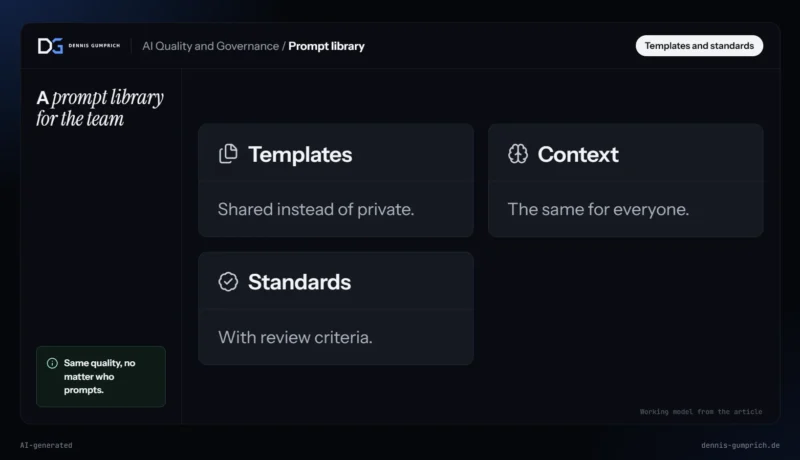

A prompt library is a shared, maintained collection of tested prompt templates for a team's recurring tasks. It ensures that everyone works with the same context, the same output formats and the same review criteria instead of phrasing everything anew each time. A good library starts small with five to eight templates, has a responsible person, sits where the team already works and is complemented by an AI policy that defines what is allowed. A first version can be built in 30 days.
What is a prompt library?
A prompt library is the shared storage place for prompt templates that a team uses for recurring tasks. Each template describes a task so completely that anyone on the team can use it with comparable results.
The term is used in different ways. Some mean a public collection with hundreds of example prompts, others a list in the wiki. For a marketing or communication team, something else matters: not as many prompts as possible, but a few tested templates that fit your tasks, your brand and your processes. The following distinction helps the team talk about the same thing.
| Term | What it is | Who maintains it |
|---|---|---|
| Prompt | A single instruction to an AI model, usually phrased spontaneously | The person who is currently working |
| Prompt template | A tested prompt with fixed building blocks and placeholders for a specific task | A person responsible for the subject matter |
| Prompt library | The organized collection of all of a team's templates, with storage location, versions and responsibility | A person with dedicated time |
| AI policy | The rules on what is allowed with AI: tools, data, labeling, approval | Management together with legal and data protection |
| AI agent | Software that carries out a task in several steps on its own, often based on several templates | The business unit and technical support |
Why aren't individual prompts enough in a team?
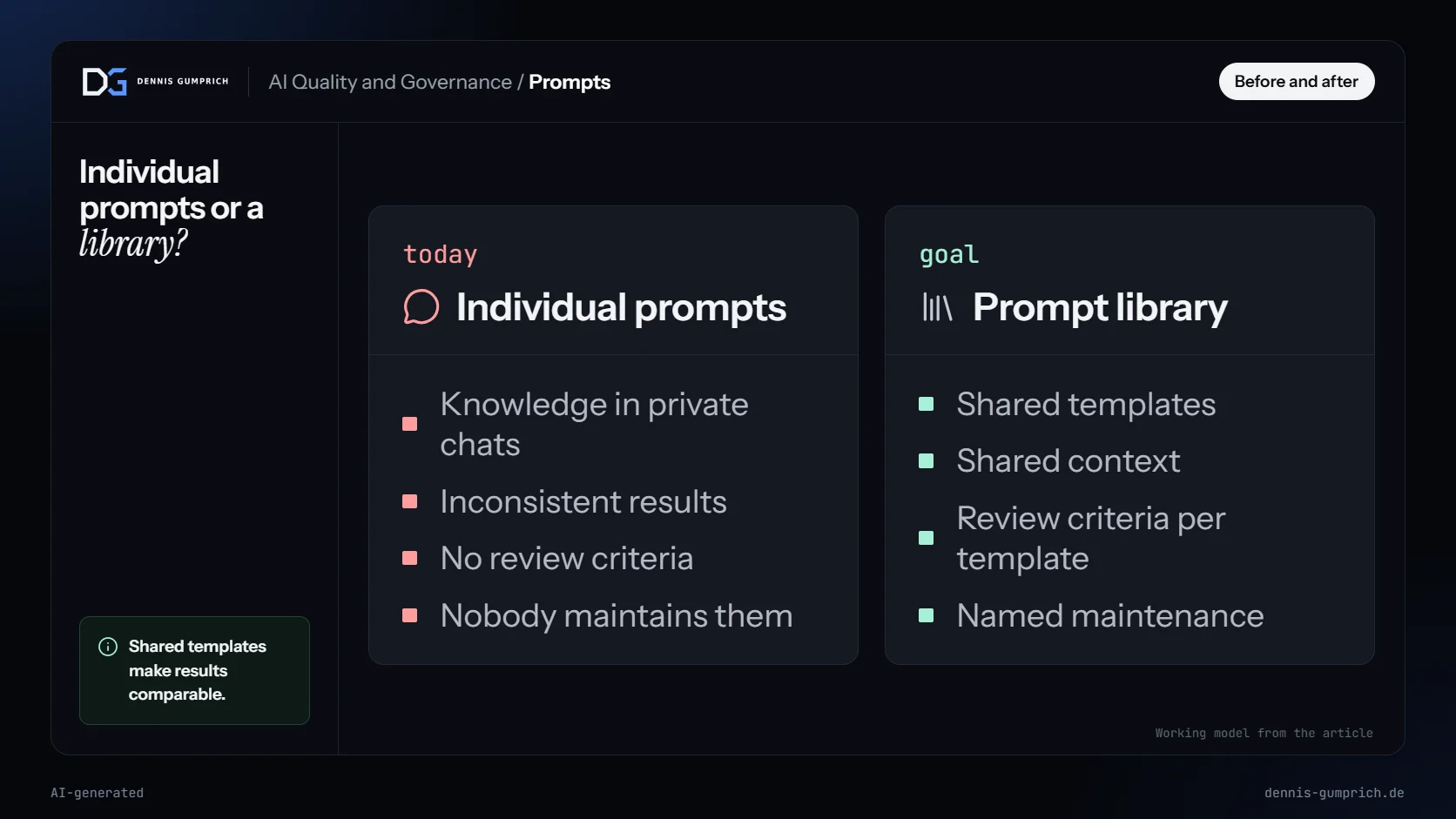
Because everyone prompts with their own level of knowledge, context and quality standards. The result is content that sounds different, varies in quality and needs different amounts of rework. Good prompts stay with individuals instead of helping the whole team.
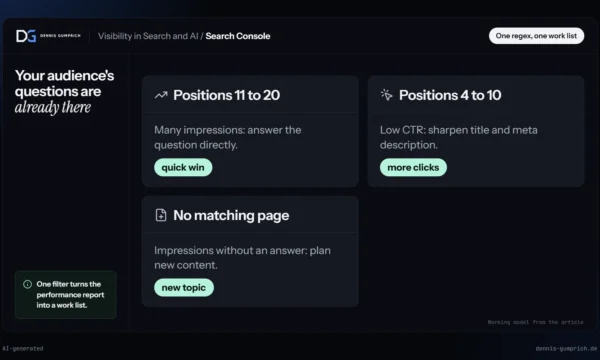
In conversations with marketing and communication teams, a pattern comes up again and again: a few people are deep into the topic, experiment a lot and get good results. Others use AI rarely, are skeptical after two disappointing attempts or don't know how to get started. There is no bridge in between. The knowledge of the advanced users doesn't reach the rest of the team.
This creates four concrete problems:
- Inconsistent results: the same assignment produces a completely different text depending on the person. The brand sounds different in every channel.
- Context is missing every time: target group, tone and technical terms are typed in anew with every prompt, often incompletely. The AI fills the gaps with average.
- More rework: what is saved in writing costs time again in review and revision. The time saved stays on paper.
- Knowledge depends on individuals: the best prompts sit in private chat histories. If a person is absent, their approach is lost.
"Write a LinkedIn post about our new study, professional and not too long." The result is correct but interchangeable. The AI guessed tone, target group and key message.
The template "LinkedIn post from expert content" brings role, target group, tone rules, an example and the output format. The person only adds topic, key message and source. Every result starts at the same level.
How is a good prompt template structured?
A good prompt template consists of four building blocks: purpose, context, inputs and result. Add information on maintenance. If one of the building blocks is missing, the result once again depends on the person using the template.
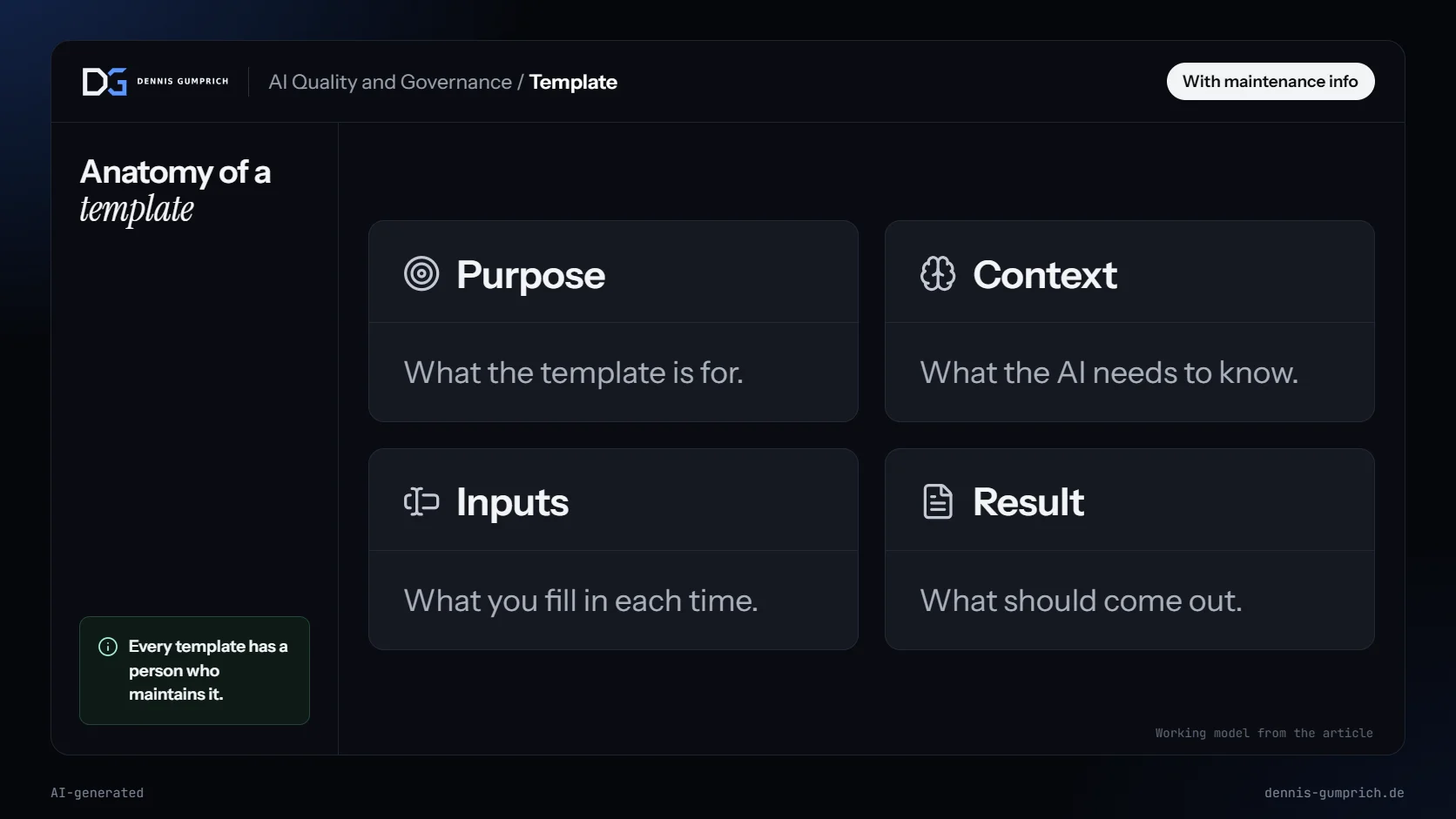
- Building block 1PurposeWhich task does the template solve, and when should it be used? One sentence is enough, for example: "Derives a LinkedIn post for decision-makers from an approved expert article." That way, the team finds the right template and doesn't use it for tasks it wasn't built for.
- Building block 2ContextThe AI's role, target group, brand voice and the knowledge sources it should rely on. The more context is stored centrally, the shorter the template itself can be. How to build this context is described in the article Building a knowledge base.
- Building block 3InputsPlaceholders for what changes from case to case, such as [TOPIC], [KEY MESSAGE], [SOURCE] or [TARGET GROUP]. Placeholders force you to provide the decisive information instead of leaving it to the AI. A short example text shows how the result should sound.
- Building block 4ResultThe output format with length, structure and components, plus the review criteria against which the result is measured. Review criteria turn a long prompt into a template the team can rely on. The pre-approval checklist provides ideas.
Each template also needs three pieces of maintenance information: the responsible person, a version number and the date of the last review. That sounds like administration, but it prevents three slightly different versions of the same template from circulating after six months with nobody knowing which one applies.
Example: template "Newsletter teaser from expert article". Purpose: derives a teaser for the monthly customer newsletter from a published expert article. Context: you write for procurement professionals, factually, without superlatives, addressing the reader directly. Inputs: [ARTICLE TEXT], [KEY INSIGHT], [LINK]. Result: subject line with no more than 50 characters, teaser with no more than 60 words, one sentence of benefit, no questions as an opening. Review criteria: key message correctly taken from the article, no new figures added, tone fits the brand. Responsible: head of editorial. Version 1.2, reviewed in October.
Which prompt templates does a marketing team need first?
The ones for the most frequent and time-consuming tasks. In most marketing and communication teams, these are deriving content for different channels, revising for brand voice and creating briefings. Start with five to eight templates, not fifty.
A library with a hundred prompts looks impressive and is hardly used, because nobody finds the right template. A short list for tasks that come up several times every week is more effective. The following overview shows typical starter templates.
| Task | Template | Most important checkpoint |
|---|---|---|
| Translating a topic into channels | Derive one draft each for website, LinkedIn and newsletter from a topic brief | The key message stays the same in all channels |
| Creating a briefing | Turn bullet points into a complete briefing with goal, target group, key message and sources | All mandatory fields filled |
| Applying brand voice | Adapt a supplied text to the brand's tone and wording | Factual statements unchanged |
| Evaluating an expert conversation | Extract the key statements and possible topics from a conversation transcript | No statements added that weren't made |
| Search engine metadata | Suggest title, description and subheadings for a finished text | Character lengths and search term respected |
| Deriving FAQs | Create five questions with short answers from an expert text | The answers are actually in the text |
| Preparing a fact check | Output all numbers, names and claims in a draft as a checklist | Completeness of the list |
| Localizing | Adapt an approved text for another language or region | Technical terms according to the glossary |
Two notes on the selection. First: start with tasks where quality varies most today. That's where the gain from a template is greatest and visible fastest. Second: include at least one template that uses a topic across several channels. Many teams develop a strong topic for one channel and use it only halfway or not at all on the others. A template that derives several channel-appropriate drafts from one briefing gets more out of every idea. Why this remains difficult without a shared topic plan is described in the article From editorial plan to topic plan.
How do you build a prompt library in 30 days?
In four weeks with clear stages: collect prompts, select and standardize the most important tasks, test with experts on real tasks, then approve and onboard the team. After that, the actual operation begins: maintenance.
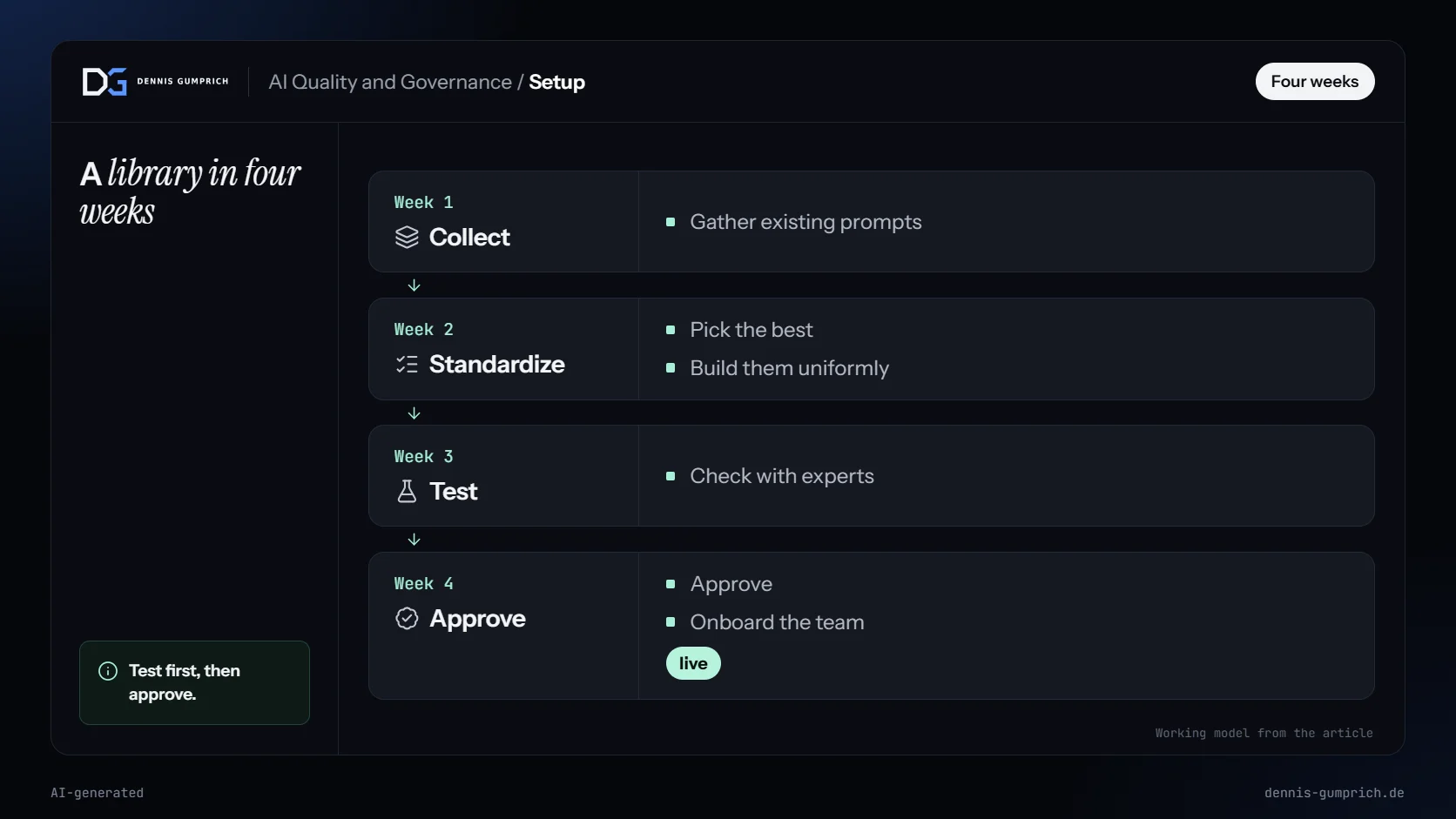
- Week 1CollectAsk everyone on the team to submit their two or three most useful prompts, including unfinished ones. In parallel, note which tasks come up several times a week. The goal is a raw list, not an evaluation. Often it already becomes clear here that three people solve the same task with three different prompts.
- Week 2Select and standardizeChoose five to eight tasks and build a template for each according to the four building blocks. Take the best from the submitted prompts. Store shared context such as brand voice and target groups once centrally instead of copying it into every template.
- Week 3Test with expertsEach template is tested on two to three real tasks, by people who did not write it. Experts check the results. Whatever doesn't work is sharpened in the review criteria or the context.
- Week 4Approve and onboardDefine the storage location, name a responsible person and present the library in a short introduction. Thirty minutes are enough if you show on a real task how a template is used.
After the 30 days, operation begins. Plan a fixed monthly slot in which the responsible person collects feedback, adapts templates and adds new ones. Without this slot, the library becomes outdated within a few months, because models, products and messages change.
Where should the prompt library live?
Where the team already works. A library that requires opening an extra document, copying and pasting into another window gets bypassed after a few weeks. The closer template and working environment are, the higher the usage.
| Storage location | Strength | Weakness |
|---|---|---|
| Shared document or spreadsheet | Quick to set up, no costs | Copy-paste into every tool, versions drift apart |
| Wiki or intranet | Easy to find, responsibilities visible | Still separate from the actual work |
| Template feature in the AI tool | Template usable directly in the chat, often with stored context | Tied to one tool, context maintained separately per assistant |
| Platform in the content process | Templates, context, approval and channels in one place | Higher implementation effort |
To start, a shared document is perfectly fine. What matters is that you deliberately ask the question of storage location as soon as the library contains more than a handful of templates or several teams use it. Then it becomes decisive whether the context is maintained in one place or separately in every tool. Which questions to ask when choosing a tool is described in the article Copilot is approved. Is that enough for marketing?
What belongs in the AI policy, and what in the prompt library?
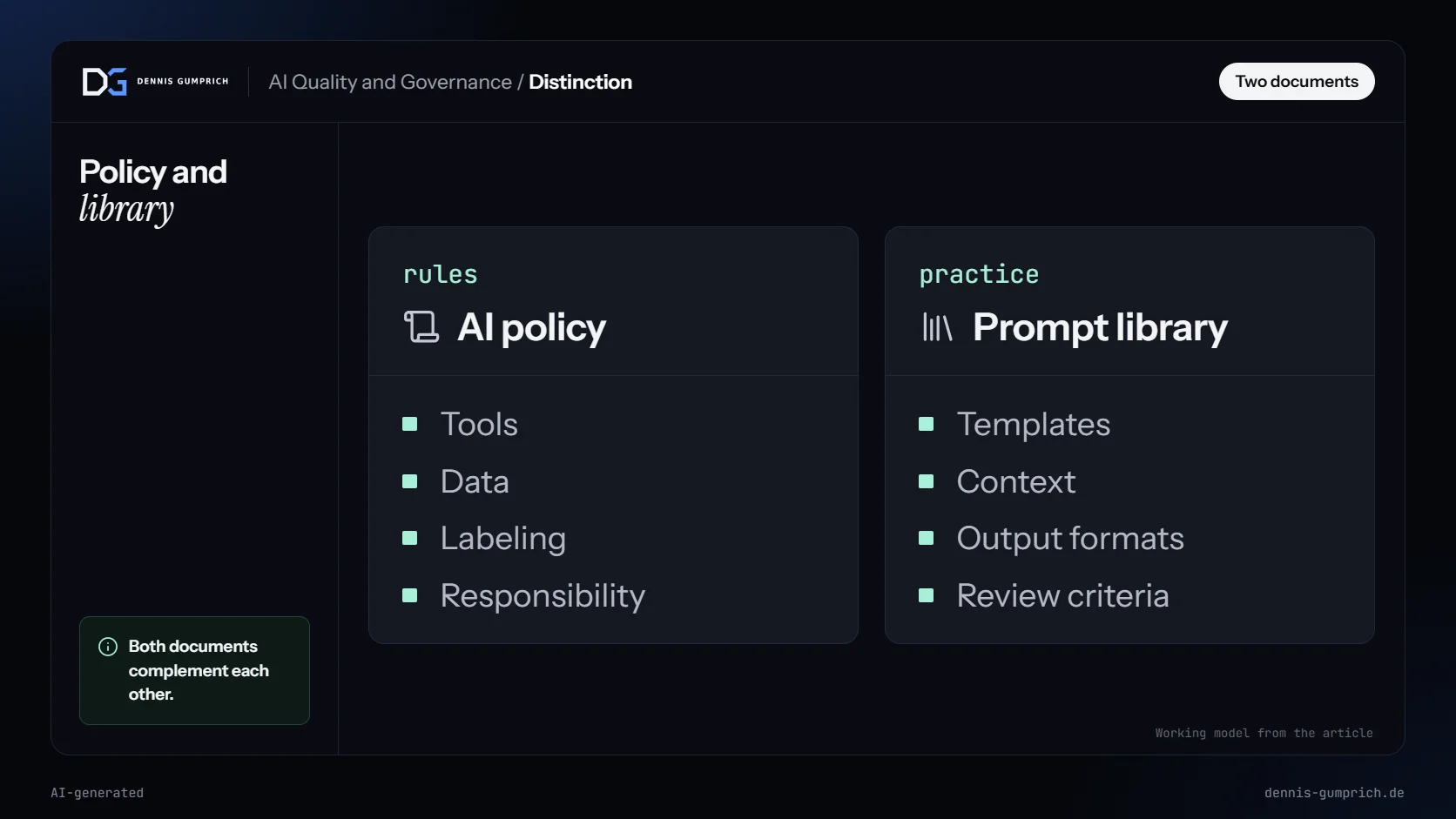
The AI policy defines what is allowed. The prompt library defines how the work is done. Both belong together: a policy without templates remains theory, and a library without a policy leaves open which data and tools may be used.
Many companies have adopted an AI policy in recent months, often based on a template from legal or IT. Little of it reaches everyday work in marketing, because it describes prohibitions and responsibilities, but no way of working. Conversely, prompt collections often emerge bottom-up without clarifying whether customer data or unpublished figures may be entered.
For marketing and communication, an AI policy should cover at least these seven points:
- Approved tools: which AI applications may be used, with which accounts?
- Data: which information may be entered, and which never, such as personal data or confidential figures?
- Responsibility: who is responsible for an AI-supported result? The answer is always: the person who approves it.
- Review: which content must be checked by experts before publication?
- Labeling: when and how is AI support disclosed? More on this in the article AI labeling.
- Rights: how are image rights, quotes and third-party content handled?
- Reference to the library: where are the approved templates, and who maintains them?
The last point is the bridge. It makes the library the official route and the policy a practical tool. Whether and which legal obligations apply to you is for your legal department and data protection to clarify. This article does not replace legal advice.
For the policy itself, there is a free template for an AI policy in marketing with a data traffic light, approval route and labeling rules.
When is it worth moving from template to AI agent?
When a task regularly consists of several steps that always run the same way, and the corresponding templates have proven themselves. Then an agent can connect the steps. Templates are the preliminary stage for this, not the alternative.
A template solves one work step. An agent works through several steps in sequence, for example: research a topic, create a briefing, derive drafts for three channels and put everything into the plan with an owner and a deadline. This only works if each of these steps has been described and tested beforehand as a reliable template. If you start directly with agents, you automate unclear processes.
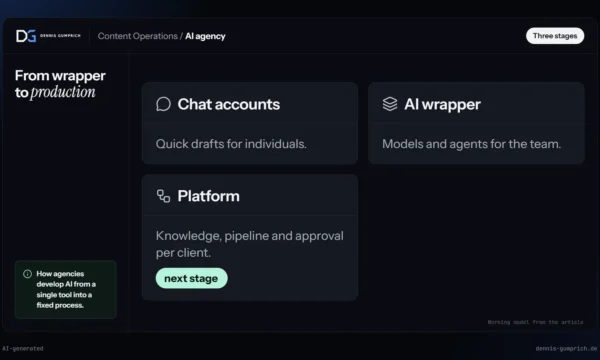
A good prompt library is therefore the best preparation for agents. It shows which tasks are stable enough, and it provides the building blocks from which an agent is built. What agents can reliably take over today is described in the article AI agents in the content team. How individual experiments become a process overall is covered in AI content operations.
What mistakes do teams make when building a prompt library?
Most libraries don't fail because of their content, but because of scope, storage and maintenance. Five mistakes come up particularly often.
- Too many templates at onceCollecting fifty prompts from the internet is done quickly and hardly helps. Nobody finds the right template. Start with a few tested templates for your most frequent tasks.
- Copying context into every templateIf brand voice and target groups are in twenty templates, they have to be adjusted twenty times with every change. Store shared context once centrally.
- No review criteriaWithout defined criteria, everyone judges the result by their own gut feeling. Then the template is consistent, but the quality isn't.
- Nobody is responsibleA library without a responsible person becomes outdated. Plan a fixed share of time for maintenance, even if it's only two hours a month.
- Not bringing the team alongIf you only send out templates, you mainly reach those who already work well with AI. A short introduction on a real task and a contact person for questions also bring the hesitant ones on board. How to build AI literacy in the team overall is described in the article AI literacy in marketing.
Self-check: how consistently does your team use AI?
Tick everything that applies to you.
a short proposal on how we use AI:
We use AI very differently across the team. Some get good results, others hardly any, and the best prompts sit in personal chat histories. That leads to inconsistent texts and a lot of rework.
I suggest building a shared prompt library over the next 30 days: five to eight tested templates for our most frequent tasks, with centrally stored brand voice, clear review criteria and one person responsible for maintenance.
The effort is a few hours per week. After that, we can measure on concrete tasks whether quality and time required improve.
Conclusion: AI use becomes consistent through templates, not appeals
Teams that use AI differently rarely have a motivation problem. They lack a shared foundation. A prompt library creates this foundation with little effort: a few tested templates, centrally maintained context, clear review criteria and a responsible person. Together with an AI policy that defines what is allowed, this creates a standard that helps everyone, not just the advanced users.
Start small. Choose the three tasks where results vary most today and build templates for them. After four weeks, you will know whether quality and time required have improved, and you can expand based on your own experience.
Frequently asked questions
What is a prompt library?
A prompt library is a shared collection of tested prompt templates that a team uses for recurring tasks. Each template contains purpose, context, placeholders for inputs, an output format and review criteria. The goal is for everyone on the team to work with comparable quality.
How many prompt templates does a team need?
Five to eight to start. What matters is not the number, but that the templates cover the most frequent tasks and are actually used. Only expand the library once the first templates work in everyday life.
Where can I find good prompt templates?
Public collections provide ideas, but rarely fit your brand and processes. The best templates come from the prompts that already work well in your team. Collect them, standardize them and add context and review criteria.
Who should maintain the prompt library?
A person with subject-matter overview and dedicated time, often from editorial management or content operations. They collect feedback, adapt templates and review them regularly. Other people can share responsibility for individual specialist templates.
Do we also need an AI policy?
Yes. The prompt library describes how the work is done. The AI policy defines which tools and data are allowed, who is responsible and when AI support is labeled. The policy should refer to the library so that both are used together.
Where does your content process lose time today?
In 30 minutes, we look together at where unnecessary coordination, manual tasks, tool switching or repetitive content work cost you time today.
If you want to use AI more consistently in your team, we go through your most frequent tasks and sketch the first templates for your prompt library.
Analyze your content process in 30 minutes Free of charge. You take away concrete starting points you can use internally right away.
Dennis Gumprich
Dennis helps marketing and communication teams fit generative AI into existing content processes without undermining quality, brand voice and approvals. Focus areas: content operations, AI governance and tool selection in mid-sized companies and corporations.
Transparency note: Dennis works for contentbird, a provider of AI-powered content software. Product mentions are marked in the article. More about Dennis (in German) · LinkedIn
Read more
Sources
- This article is based on consulting practice with marketing and communication teams. No external studies were used.
How this article was created
This article was created with the help of AI. Structure and draft wording were developed with AI support. Professional assessment, review of the statements and the final version are the responsibility of Dennis Gumprich. The English version was translated with AI and reviewed. Read the original German version.
How reliable are the statements?
The definitions, template structure, starter templates and 30-day plan are working models from consulting practice, not measured values. The observations on differing AI use in teams come from conversations with marketing and communication teams in 2026. This article does not replace legal advice.